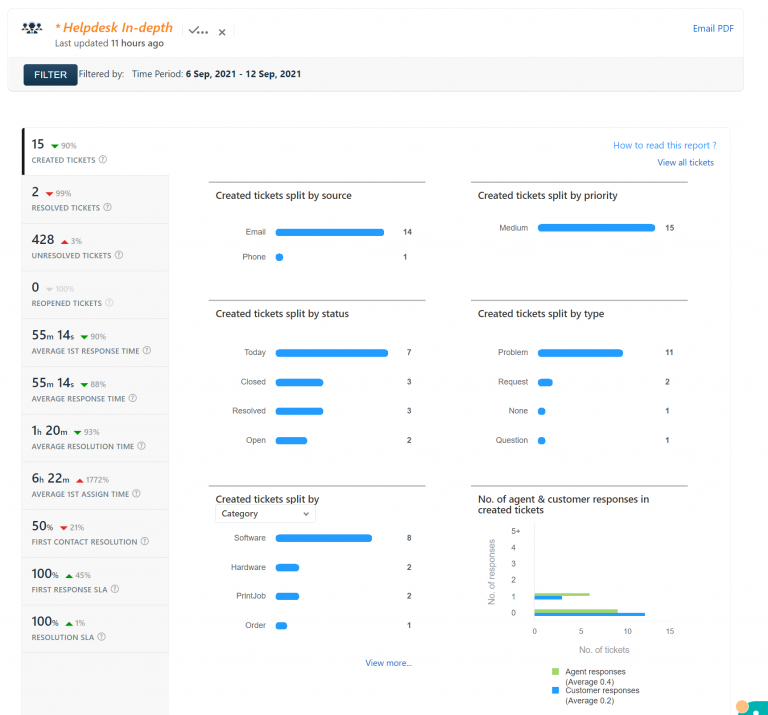
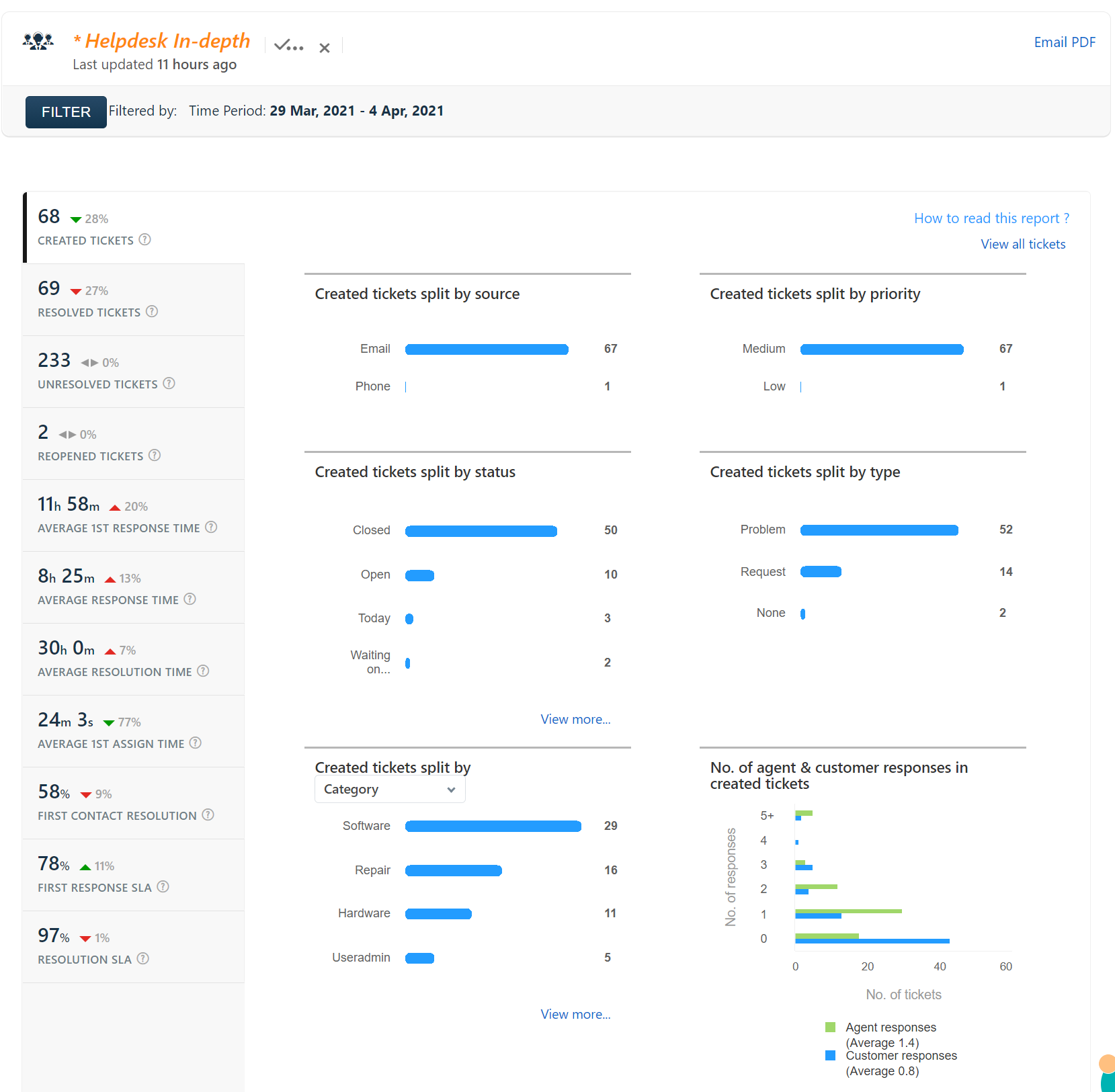
Help Desk Report 29 Mar 2021 – 4 Apr 2021
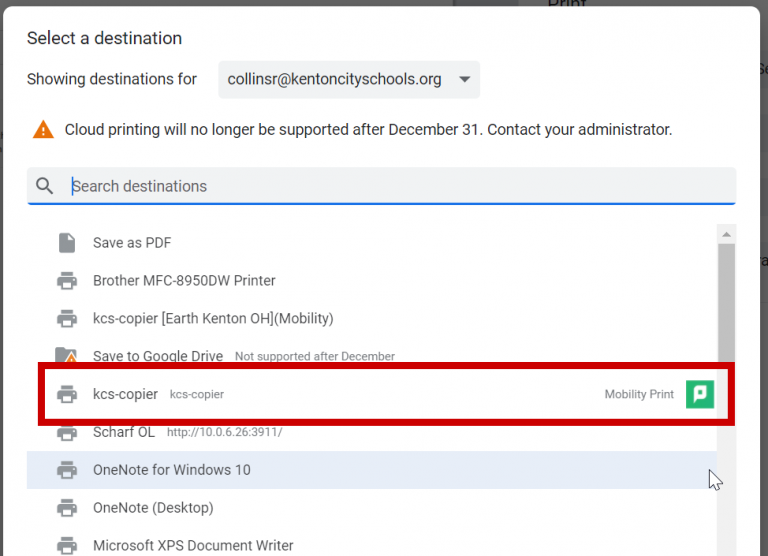
The printer/copier is kcs-copier There is only one printer that you need to worry about, kcs-copier. You can print to that copier and pick up your print job from any building in the district. You no longer have to select the destination copier, the printout will come from whichever copier you sign into with your…
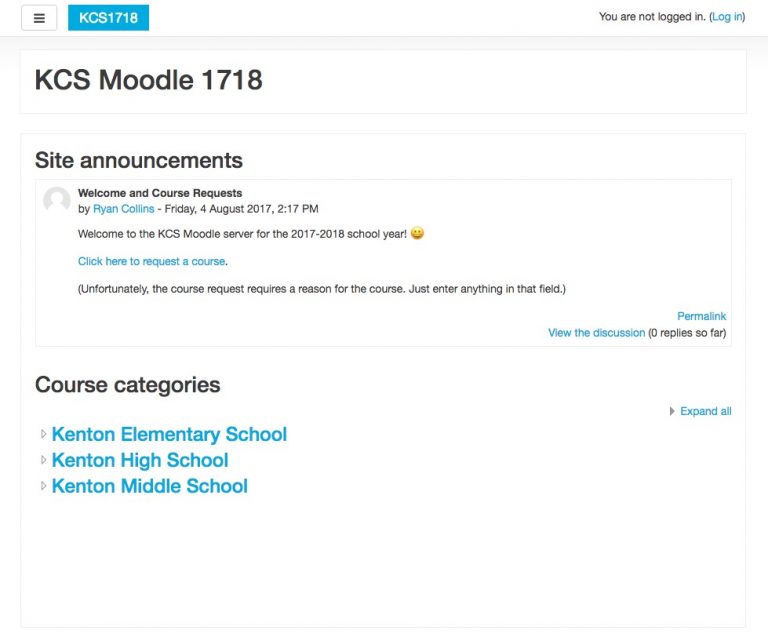
The Moodle server for the 2017-2018 school year is now installed. To request a course, click on the Click here to request a course link from the main Moodle page available at moodle.kentoncityschools.org. Log in with your school username and password, and then complete the form to request the course. It will ask why the course is needed,…
I’m installed a piece of software simply called Online Grades. It allows a teacher to post their gradebook directly from Easy Grade Pro to the web. I’ll be adding a link for students off of their MyCatPage to log them automatically into Online Grades, so you do not have to worry about distributing the student’s…

Check out the new KCS Technology Status website!
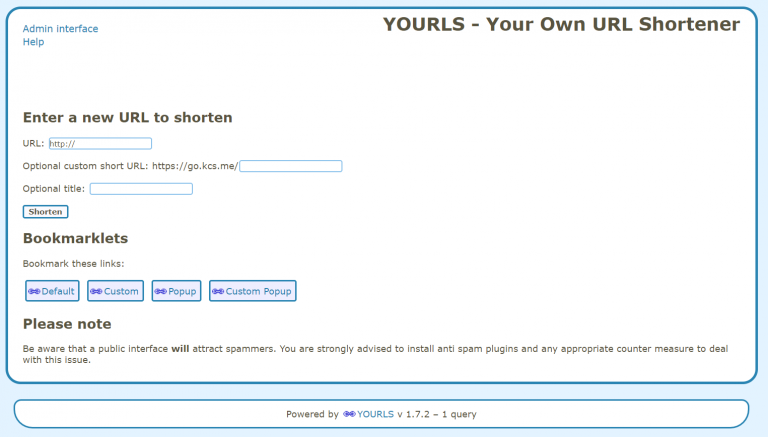
A URL shortener is a service that takes a long web address and makes it shorter and easier to share. If you’ve every used or seen bit.ly or tinyurl.com, you’ve used an URL shortener. I had written an URL shortener several years ago, and remnants of it still exist under kcs.me. It worked ok, but…