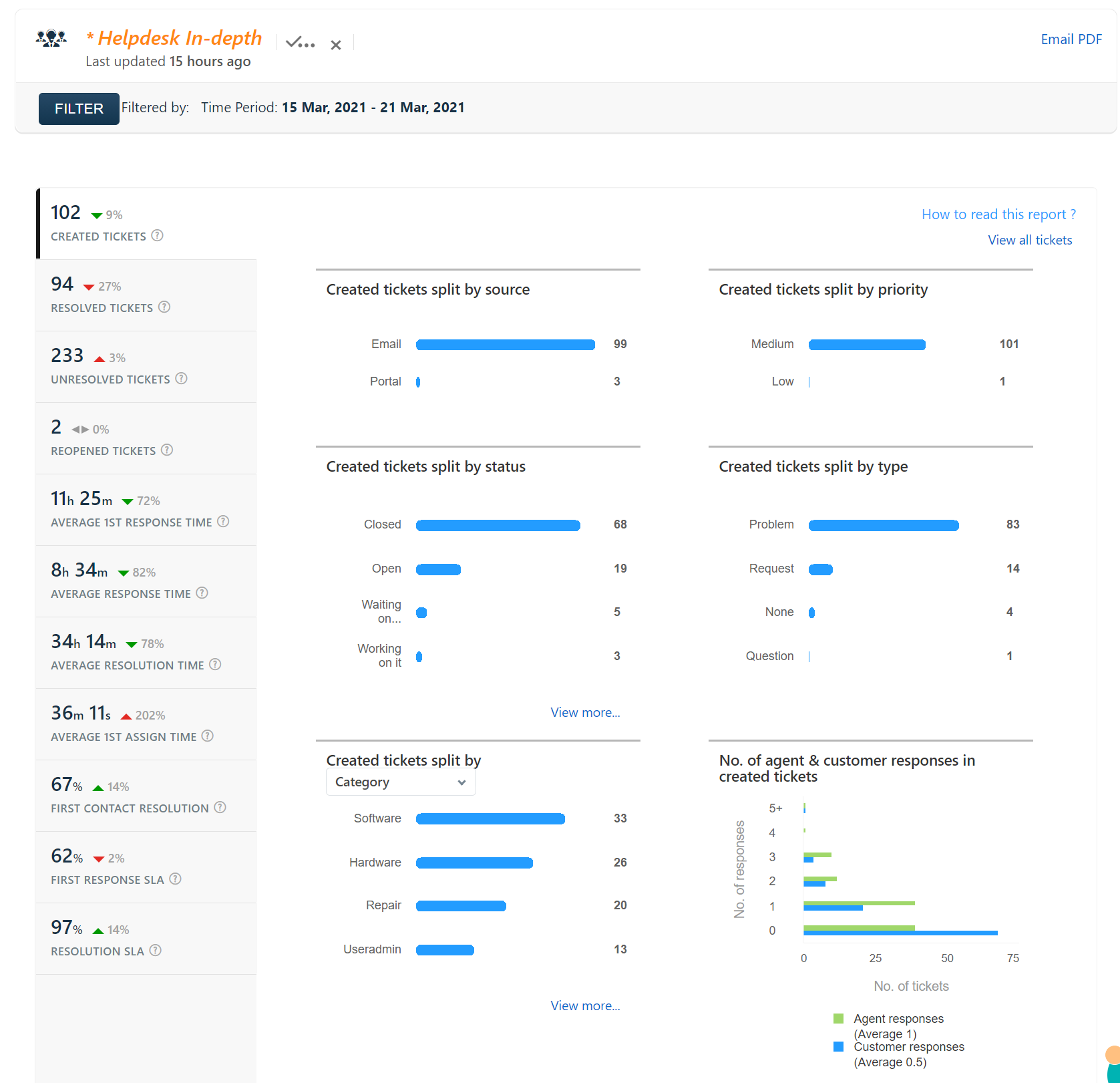
Help desk report for 15 Mar 2021 – 21 Mar 2021

You may have noticed some additional restrictions on your smartphone regarding using your school Google account on your phone. A side effect of setting up Android apps on Chromebooks was the implementation of restrictions before you can use your school Google account on the phone. iPhone users The Google apps (Gmail, Google Calendar, Drive, etc.)…
Software updates LibreOffice 5.1.3 Handbrake 0.10.5 x86_64 GoogleChrome 48.0.2564.109 OracleJava8 1.8.73.02 Firefox 38.6.1 AdobeFlashPlayer 20.0.0.306 Help desk report helpdesk_in_depth-Feb-4-Feb-10
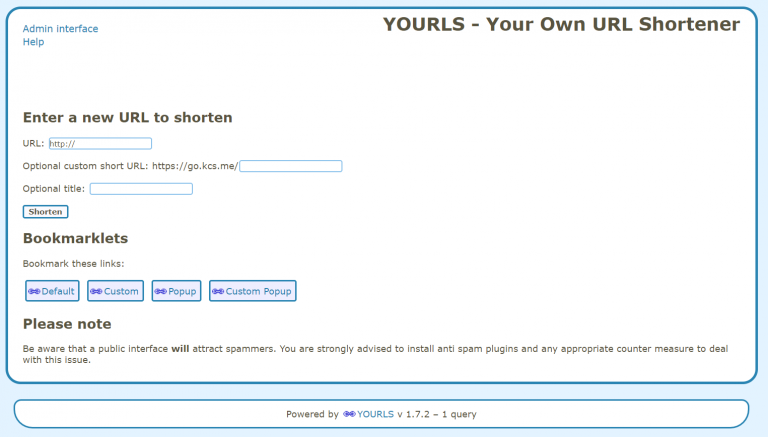
A URL shortener is a service that takes a long web address and makes it shorter and easier to share. If you’ve every used or seen bit.ly or tinyurl.com, you’ve used an URL shortener. I had written an URL shortener several years ago, and remnants of it still exist under kcs.me. It worked ok, but…
The directions for Chromebook repairs for KHS and KMS are now available. Please let me know if there are any issues or concerns.
Application Updates and Installs Google Drive Adobe Flash Player Help Desk Report
Here are the steps to switch to Google Drive File Stream. You will need to re-create any shortcuts you have made to your Dock or in the Finder windows to point to the new location in your Google Drive File Stream. Once completed, you will have the Google Drive icon on your Desktop. From there…