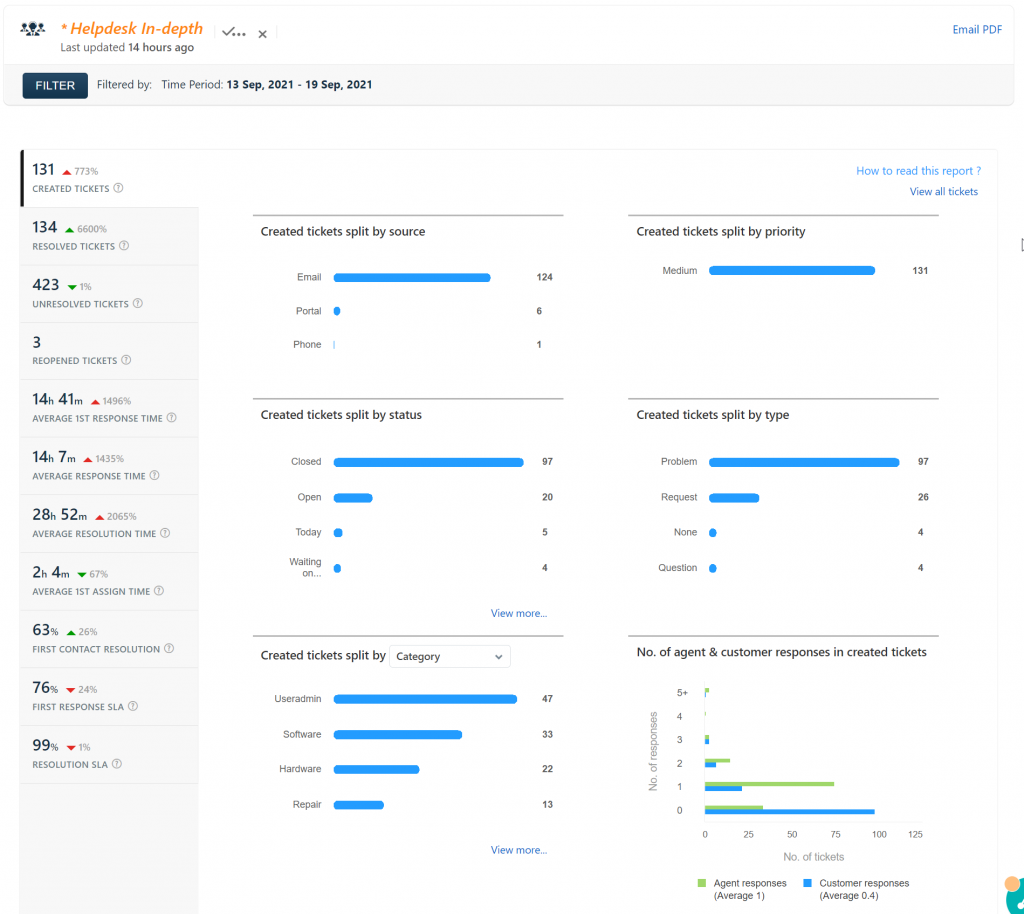
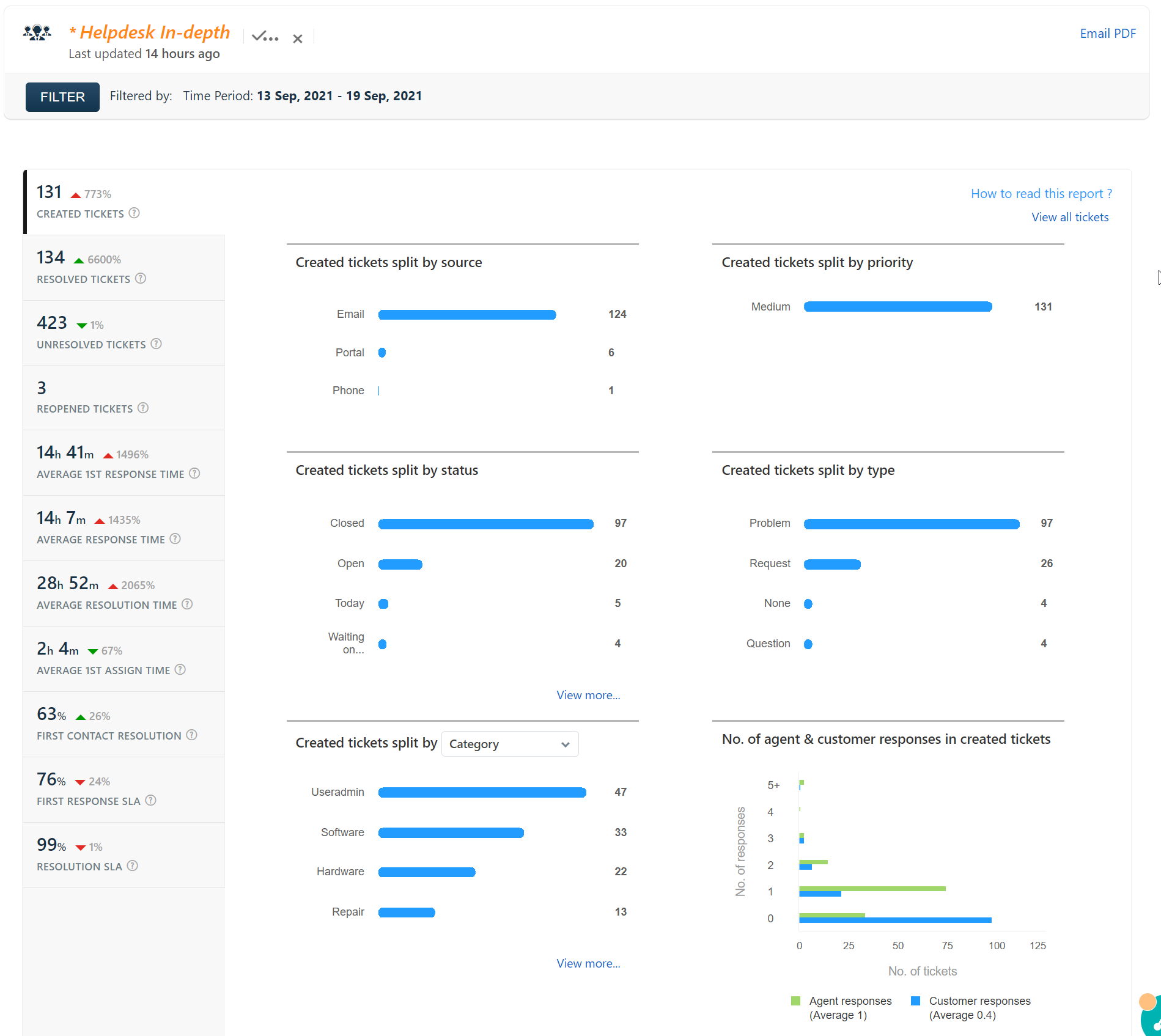
Helpdesk Report for 13 Sep, 2021 – 19 Sep, 2021
All Class Google Groups should be updated now, and old groups deleted. If you want to check your groups, you can go to http://groups.kentoncityschools.org and click on My Groups. If any of your class groups do not have you listed as an owner, let me know.
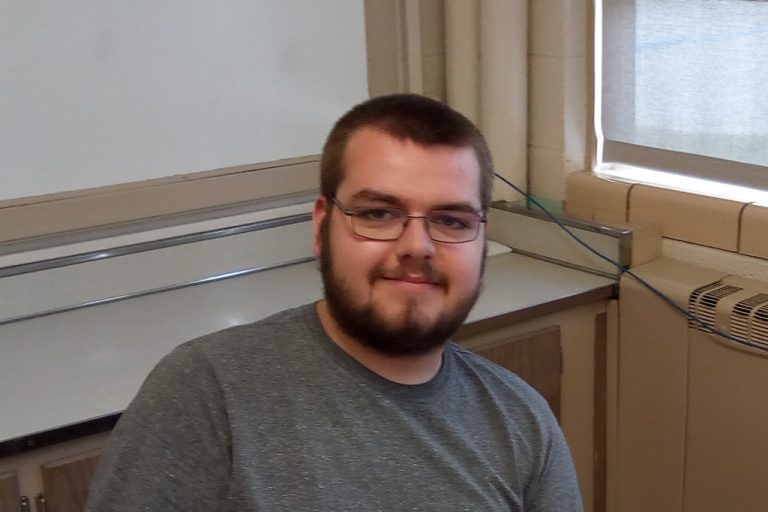
For the 2017-2018 school year Braxton Walters will be assisting the technology department. He is a student at Kenton High School, having deferred graduation for 2017. Mr. Walters will be formally introduced during the teacher work day on August 14th, but he may be working in your classroom before then.
Over Spring Break I installed (re-purposed) the old mail and web server as squid caching servers for Hardin Central and Espy. By putting this hardware it place it will: Take the load of routing off of the file servers. Transparently cache data in the buildings. What this means is when a person visits a site,…
This class will show you how to setup a blog for your classroom and allow your students to publish their work or comment on other published work. What you are looking at right now is a blog. A blog consists of posts, such as this one, or static pages, like the ESAL link at the…