Similar Posts
Create memorable passwords and save them
After our nice password reset, I thought it was time to cover some of the basics of password creation and usage. Important password tips: Never write them down Do not use family/pet names or other identifiable information NEVER USE THE SAME PASSWORD ON MORE THAN ONE SITE/SERVICE Creating a secure password Just like shot put…
Taking screenshots for tech support
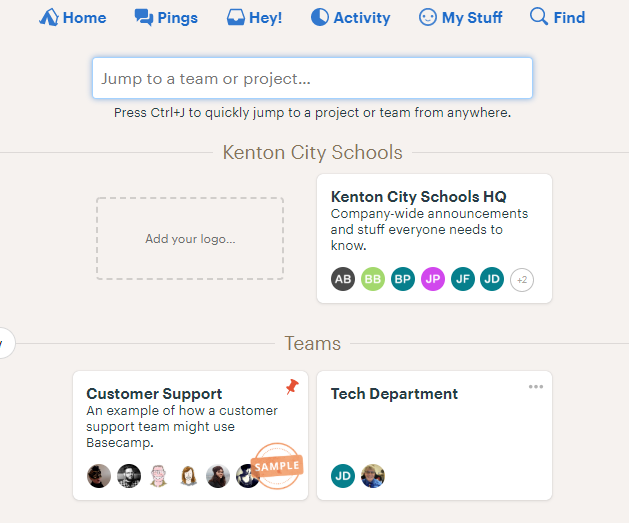
Here’s a tip to help us better support you and your students. When sending in a screenshot, take a screenshot of the entire screen. vs The latter tells us a lot more about the state of the computer. For example, the first shot doesn’t include the address of the web page. If you want to…