Similar Posts
How to fix student log ins for SAM/RI/RC/MI
Check that the student exists in SAM First, check that the student has been added to Student Achievement Manager (SAM). Sign in to SAM. On the left, click on your building and then your name. Look for the student’s name. Students are automatically added to SAM a day or two after they receive a schedule…

Tech PD classes now available
Technology Professional Development classes have been scheduled. A majority of the classes take place on Wednesdays after school from 3:45pm-4:45pm. There will also be several classes scheduled for a three hour block on Saturdays. These classes will be more indepth than the Wednesday classes. For a list of classes and to sign up to attend, visit…
Beware of scammers!
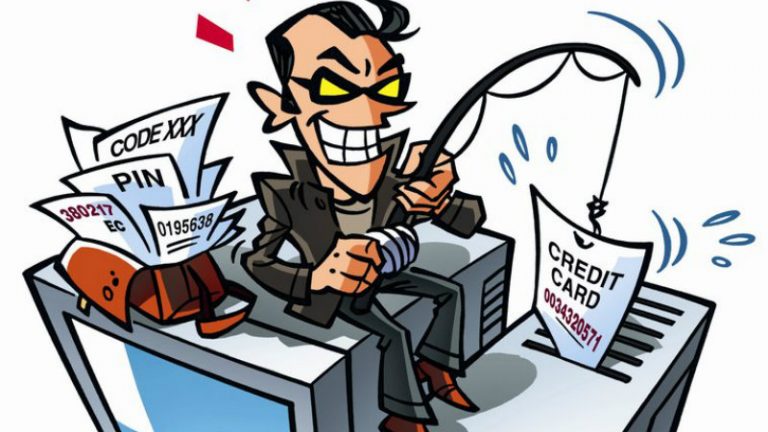
It seems that every month or so some scammer on the internet gets the bright idea of send emails to staff members. The scammer usually tries to impersonate a principal or the superintendent. This scamming technique is called a phishing attack. The attacker will try to get you to do something, and make it seems…
Google’s phishing warnings in Gmail
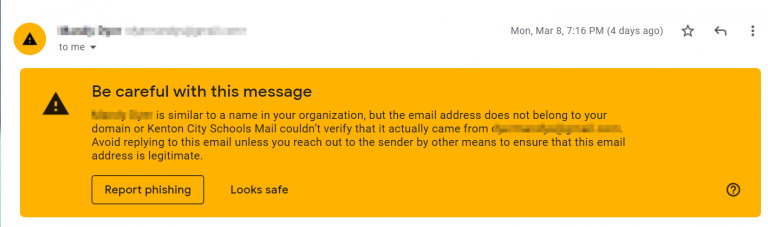
I’ve been asked about a warning showing up in Gmail that looks like this: It is part of Google’s anti-phishing campaign to warn Gmail users when an email may not be what it claims. In this case, Public Schoolworks sends out informational emails with Mrs. Penczarski’s name attached to it. Since Gmail hasn’t seen an…

Fixing student issues with watching Youtube
Youtube access at school is filtered, but teachers can approve videos for students. The problem arises when students are using a brand account instead of their Kenton City Schools’ account. Google is phasing out brand accounts which will fix this issue, but until then, the student will need to switch Youtube back to their KCS…