Similar Posts
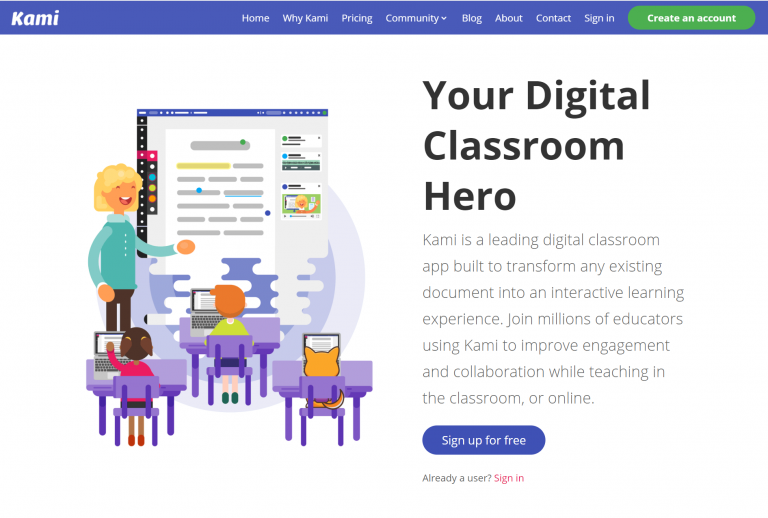
Kami 60 day trial now available for students and staff
Kenton City Schools has signed up with a 60 day trial of Kami’s teacher plan. After the 60 days, the licence will revert back to the Basic plan. Kami is a web based app that students can use to collaborate, edit, or markup documents and images, such as PDFs and jpegs. It’s a nice alternative to…
How to fix student log ins for SAM/RI/RC/MI
Check that the student exists in SAM First, check that the student has been added to Student Achievement Manager (SAM). Sign in to SAM. On the left, click on your building and then your name. Look for the student’s name. Students are automatically added to SAM a day or two after they receive a schedule…

Tech PD classes now available
Technology Professional Development classes have been scheduled. A majority of the classes take place on Wednesdays after school from 3:45pm-4:45pm. There will also be several classes scheduled for a three hour block on Saturdays. These classes will be more indepth than the Wednesday classes. For a list of classes and to sign up to attend, visit…