Free Screencastify Ultimated upgrade
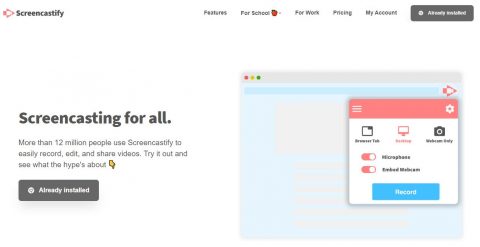
Screencastify is offering free unlimited accounts to the staff! Directions are available on the Free Internet Services Info page. Staff, check out Internet Resources for even more resources!

Screencastify is offering free unlimited accounts to the staff! Directions are available on the Free Internet Services Info page. Staff, check out Internet Resources for even more resources!
Upcoming WILD Wednesday classes: January 25th – Using blogs in your classroom February 1st – SPAM e-mail filtering February 8th – Enhancing your computer experience (shortcuts and tips to make your technology experience more efficient. February 22nd – Starting with AppleWorks

Adobe offers Spark free to schools. What is Spark? It’s an online service that allows you to create graphics, webpages, or edit video, from any computer with a web browser. I used it to create the graphic above. All of the staff and students have accounts in Adobe Spark, and they can log in with…

By now, you’ve probably seen this message when you go to print: I’ve set up Papercut’s Mobility server to replace Google Cloudprint. What does that mean for you? It means, to print, you’ll now select kcs-copier from the list: You will have to sign in to Papercut Mobility Print the first time you use it….
Here are a few troubleshooting tips that you can complete yourself when you are having computer issues: 1. Restart the computer. This does not mean holding in the power button until it turns off, it means to go to the Apple Menu and select Restart Computer. This simple process fixes a majority of problem. Please…

There are three big changes coming up for teachers of KCS. Once the new technology is in place, we’ll be scheduling PD classes on moving forward! I don’t have a timeline for the changes, it is dependent on when Apple will release the new computer models and how quickly they can be shipped. Hardware Desktop…
Application Updates and Installs Datalink Firefox Flash Libreoffice Google Chrome Help Desk Report