Security made simple
Courtesy of Roger Saffle, Highland Local Schools 🙂
Courtesy of Roger Saffle, Highland Local Schools 🙂
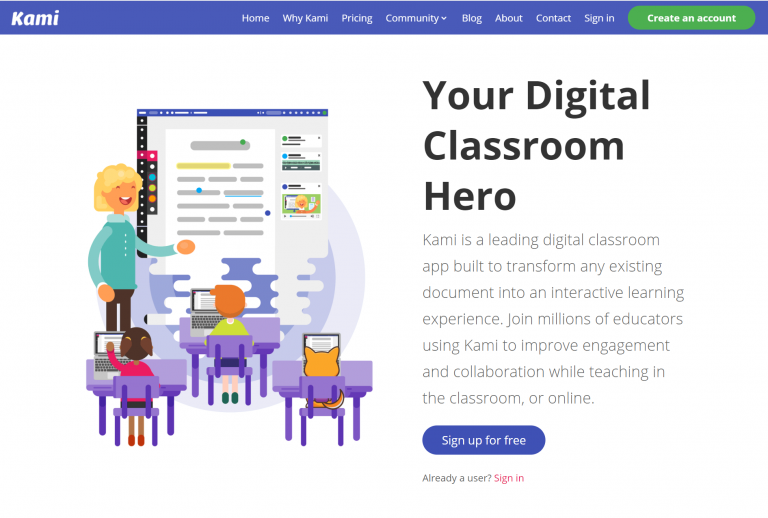
Kenton City Schools has signed up with a 60 day trial of Kami’s teacher plan. After the 60 days, the licence will revert back to the Basic plan. Kami is a web based app that students can use to collaborate, edit, or markup documents and images, such as PDFs and jpegs. It’s a nice alternative to…
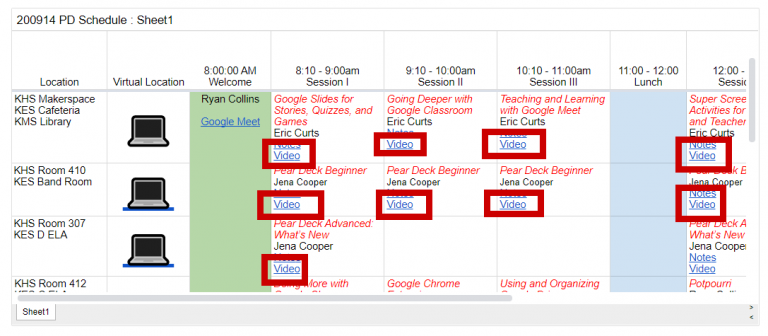
I’ve put up the videos from the various sessions of our Tech PD Day 2020 from September 14. You can access the videos from the Tech PD Day website: go.kcs.me/techpd2020. Scroll the page to the bottom, and I’ve added a video link to each session: Click the link to view the video. You will need…
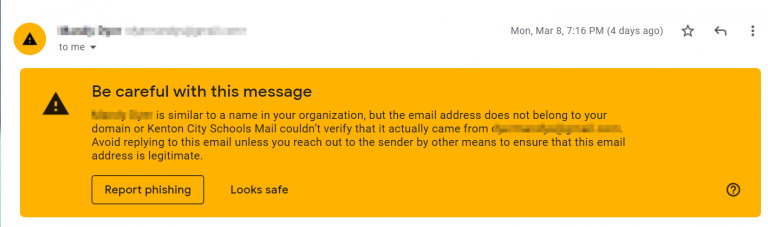
It seems that every month or so some scammer on the internet gets the bright idea of send emails to staff members. The scammer usually tries to impersonate a principal or the superintendent. This scamming technique is called a phishing attack. The attacker will try to get you to do something, and make it seems…
As we become more and more reliant on Google and Google Drive, we start to run the risk of losing documents when staff leave the district or change grade levels/departments. The person who owns the document doesn’t realize that if they trash the document, then they trash it for everyone with whom the document is…
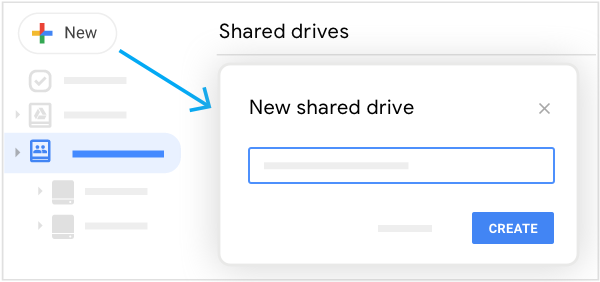
There are two ways to share a bunch of files in Google Drive with others: a shared folder or a Shared Drive. There are some big differences between the two, mainly with ownership and permissions. Ownership Every file and folder in Google Drive needs an owner. The owner has full control over what happens to…