Sharing with Google Docs
Here is a video from Google on using Google Documents to share.
Here is a video from Google on using Google Documents to share.
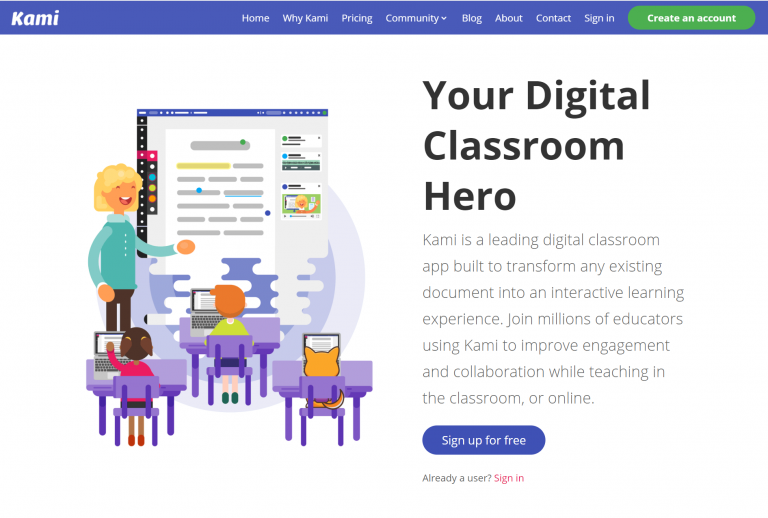
Kenton City Schools has signed up with a 60 day trial of Kami’s teacher plan. After the 60 days, the licence will revert back to the Basic plan. Kami is a web based app that students can use to collaborate, edit, or markup documents and images, such as PDFs and jpegs. It’s a nice alternative to…
These snow days are becoming to much of a habit for my taste, but I do still love the weather in Ohio! Here are some activities for PD in your PJs. Beginner Pocket (http://getpocket.com/): Pocket is a service that captures web pages for reading later. You know how it is, you stumble upon a great…