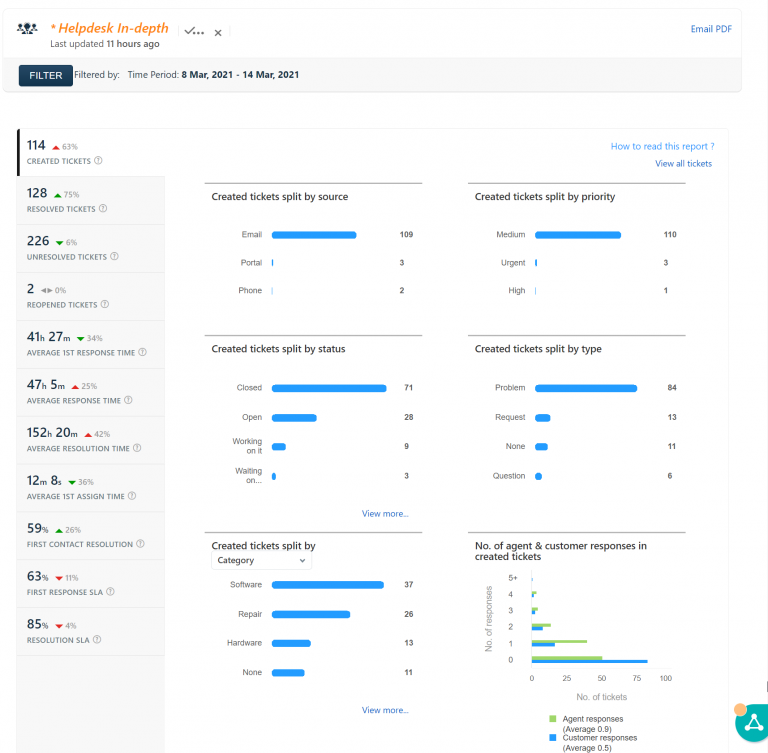
Help desk report: 10/1/15 – 10/7/15


You may have noticed some additional restrictions on your smartphone regarding using your school Google account on your phone. A side effect of setting up Android apps on Chromebooks was the implementation of restrictions before you can use your school Google account on the phone. iPhone users The Google apps (Gmail, Google Calendar, Drive, etc.)…
In the next few days the students of Kenton City Schools will be bringing home a technology survey. The survey consists of two pages, the first page is to be completed by each household once, while the second page is to be completed by the student (with assistance if need be). The data collected will…

Google Classroom Sync to GradeBook is now available for use. This tool will allow you to sync your grades in Google Classroom back to GradeBook without manual copying. It will be a big time savings for teachers grading in Google Classroom. The sync is a one time transfer and must be repeated for each assignment if…
Each building has a Google Group that contains all of the staff and students in that building. They are now updated with the current staff and student members of the respective building: Kenton Elementary School – [email protected] Kenton High School – [email protected] Kenton Middle School – [email protected] I’m still trying to straighten out the permissions,…

To fix the issue of Reading A-Z kids having no sound is coming out of the computer when it should be reading the book to the student follow these steps. From the Chrome window click on the 3 dot menu as shown below and select settings. Next Click on the install buttons for “Proprietary Codecs”…